> ## Documentation Index
> Fetch the complete documentation index at: https://docs.cube.dev/llms.txt
> Use this file to discover all available pages before exploring further.
# Add a pre-aggregation
> Hands-on walkthrough of accepting a Playground pre-aggregation suggestion, updating the data model, and rerunning an accelerated query.
In this step, we'll add a pre-aggregation to optimize the performance of a
specific query. Pre-aggregations are a caching technique that massively reduces
query time from seconds to milliseconds. They are extremely useful for speeding
up queries that are run frequently.
From the **Build** tab, execute a query:
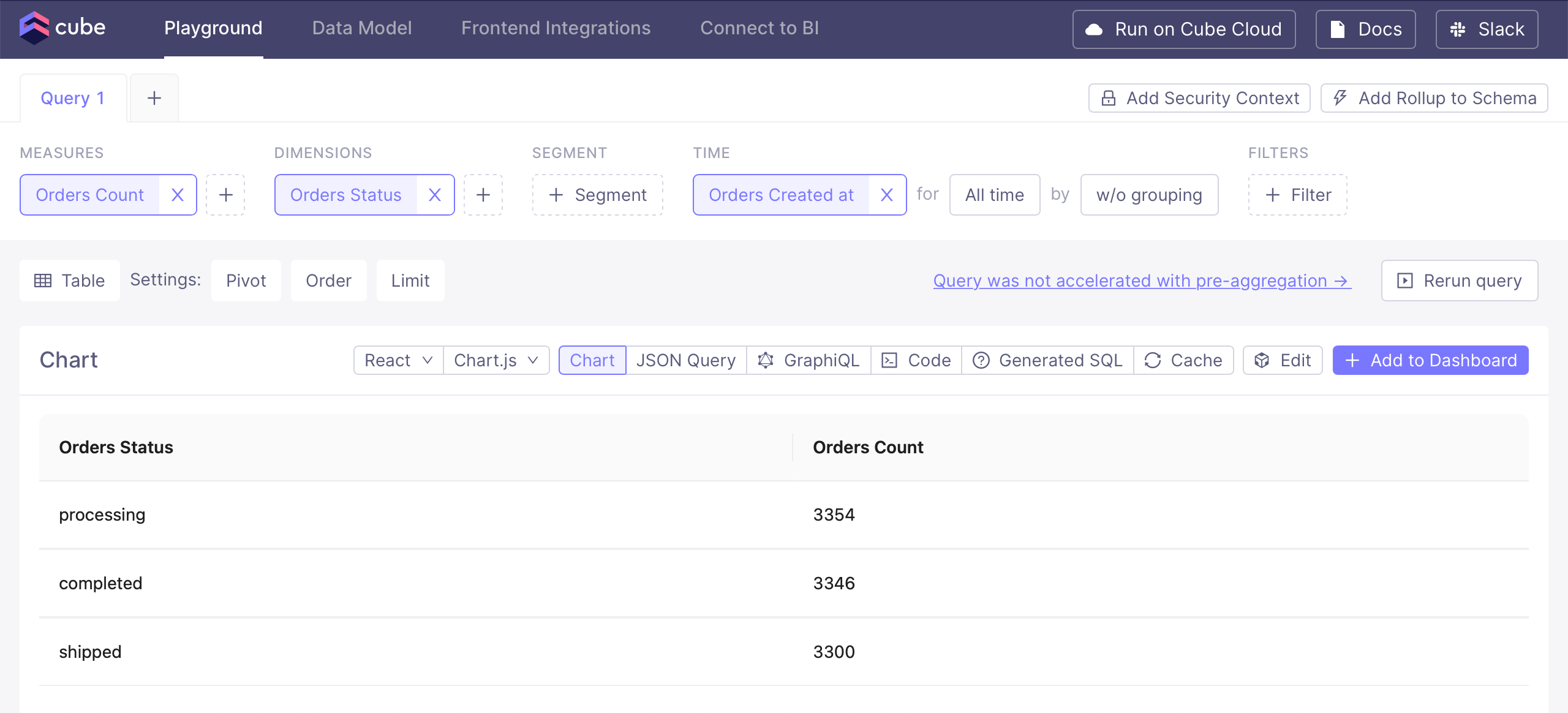 Just above the results, click on **Query was not accelerated with
pre-aggregation** to bring up the pre-aggregation suggestion:
Just above the results, click on **Query was not accelerated with
pre-aggregation** to bring up the pre-aggregation suggestion:
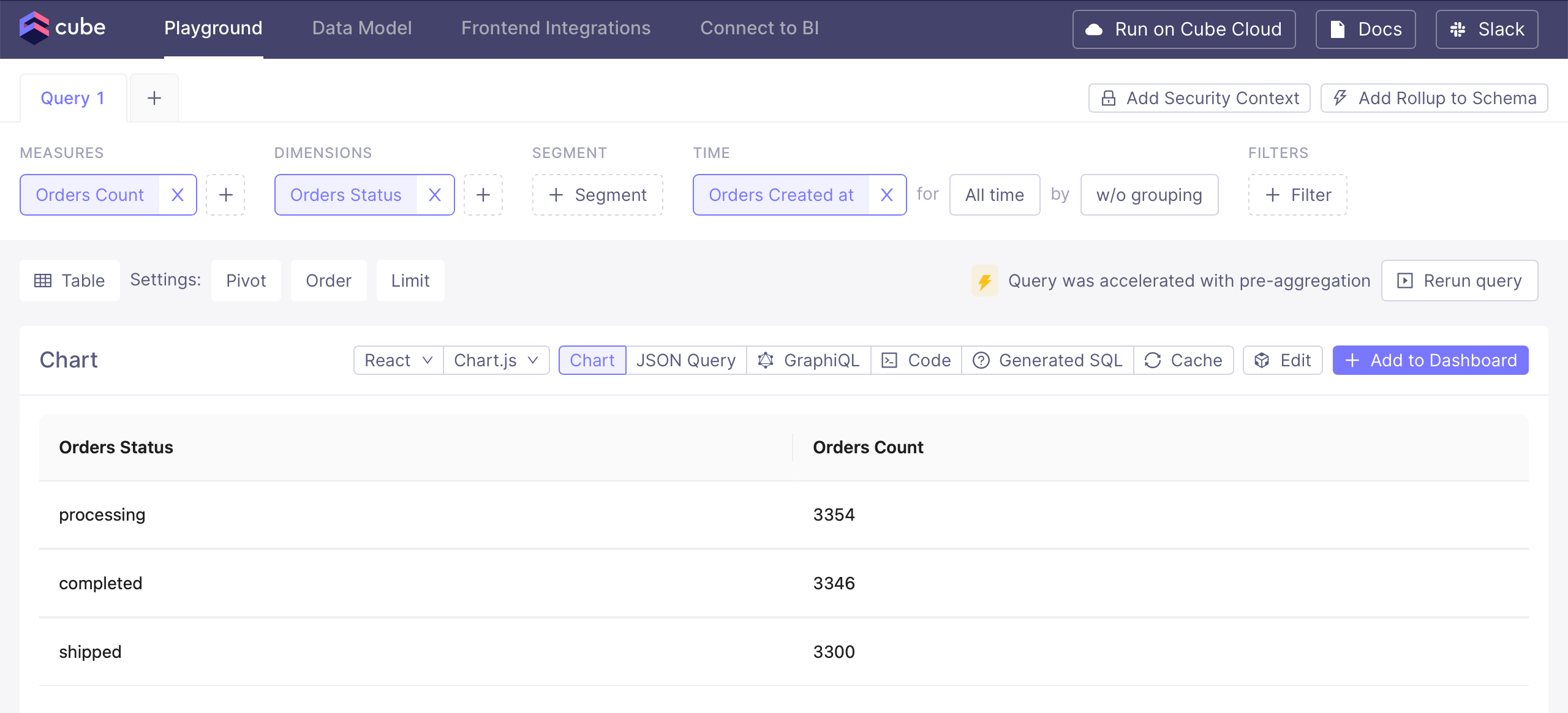
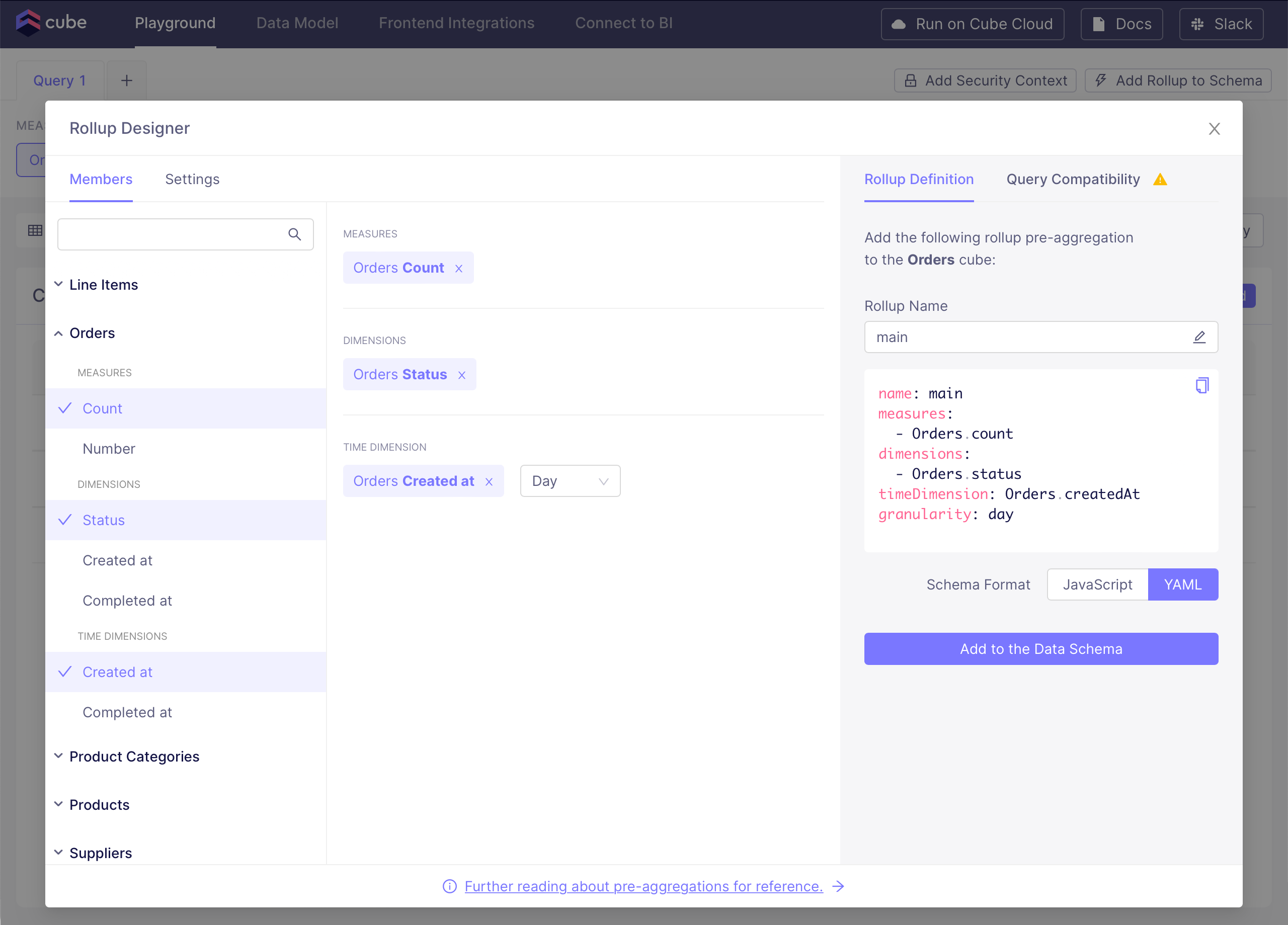 A pre-aggregation will be automatically suggested for the query;
click **Add to the Data Model** and then retry the query in the
Playground. This time, the query should be accelerated with a pre-aggregation:
A pre-aggregation will be automatically suggested for the query;
click **Add to the Data Model** and then retry the query in the
Playground. This time, the query should be accelerated with a pre-aggregation:
 And with that, we conclude our Getting Started with Cube guide. If you'd like to
learn more about Cube, [check out this page][next].
[next]: /docs/getting-started/core/learn-more
And with that, we conclude our Getting Started with Cube guide. If you'd like to
learn more about Cube, [check out this page][next].
[next]: /docs/getting-started/core/learn-more