> ## Documentation Index
> Fetch the complete documentation index at: https://docs.cube.dev/llms.txt
> Use this file to discover all available pages before exploring further.
# Query data
> Surveys ways to explore and consume modeled data—Playground, APIs, client SDKs, and BI or app integrations—after cubes are defined.
In this step, you will learn how to query your data using the data models you
created in the previous step. Cube provides several ways to query your data, and
we'll go over them here.
## Playground
[Playground](/docs/workspace/playground) is a web-based tool which allows for
model generation and data exploration. On the **Build** tab, you can
select the measures and dimensions, and then run the query. Let's do this for
the `orders` cube you generated in the previous step.
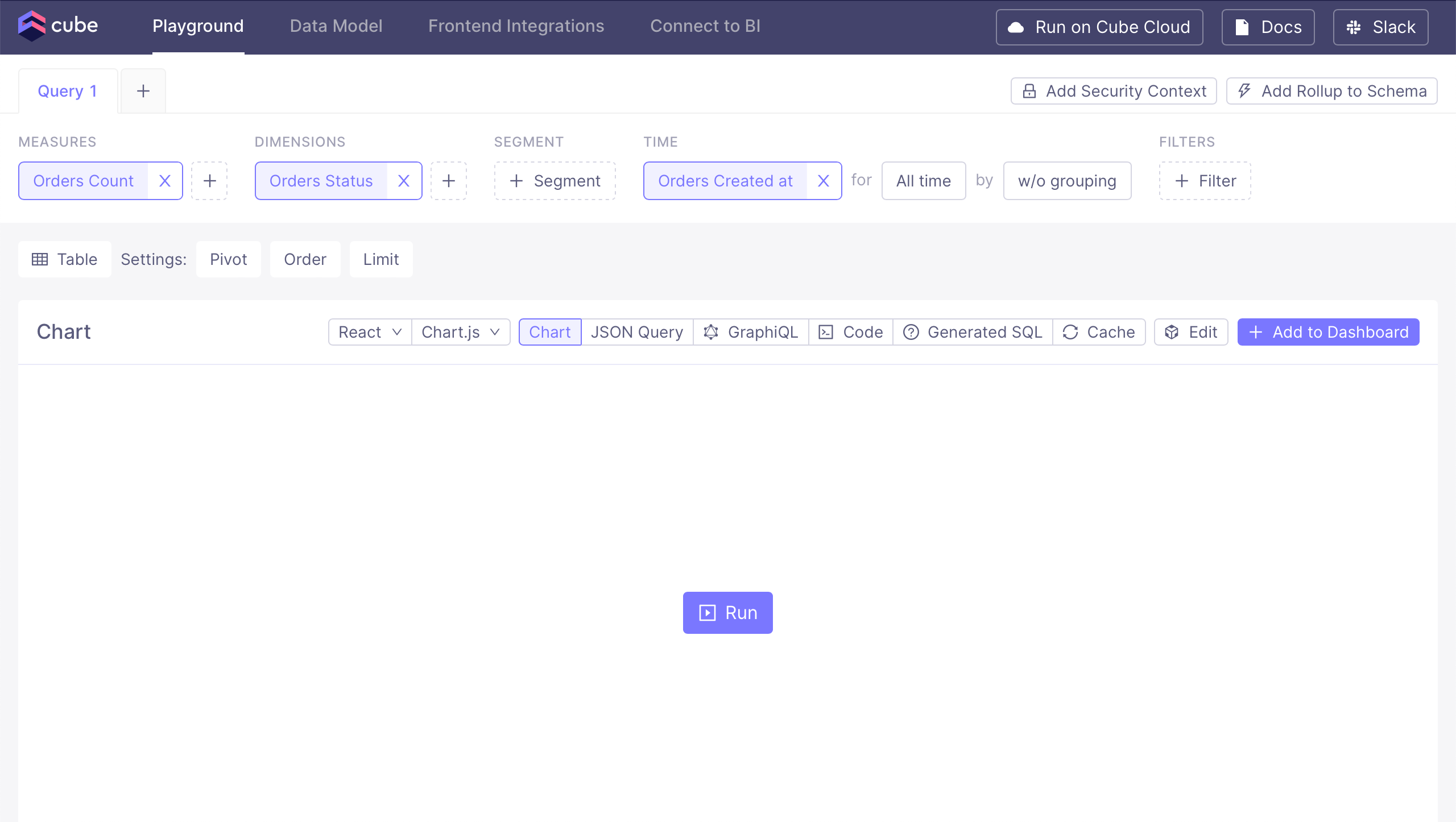
Click **+ Measure** to display the available measures and add
`orders.count`, then click **+ Dimension** for available dimensions and
add `orders.status`:
 Then, click **Run** to execute the query and see the results:
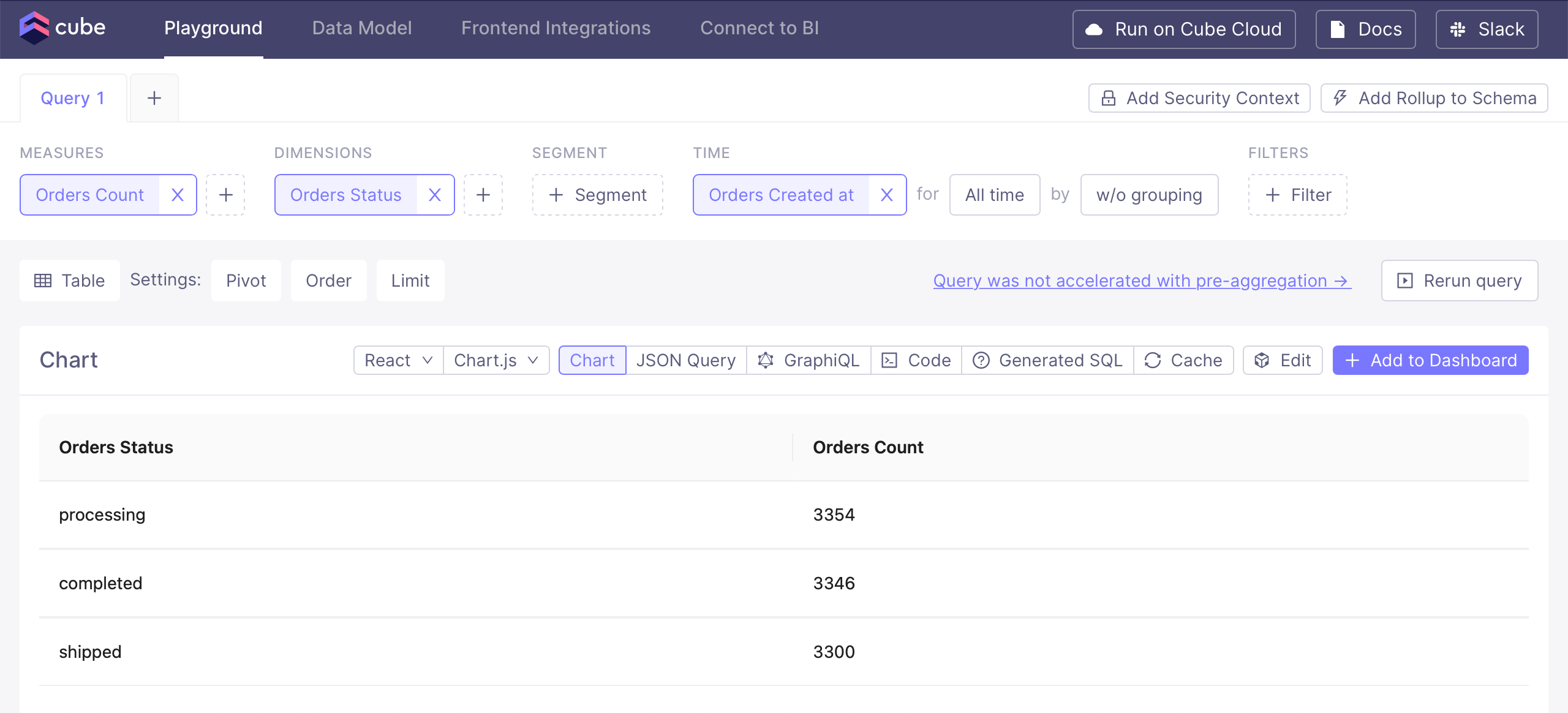 Please feel free to experiment: select other measures or dimensions, pick a
granularity for the time dimension instead of **w/o grouping**, or choose
another chart type instead of **Table**.
## APIs and integrations
Cube provides a [rich set of options][ref-downstream] to deliver data to other
tools: a suite of APIs, [JavaScript SDKs][ref-frontend-int], and integrations.
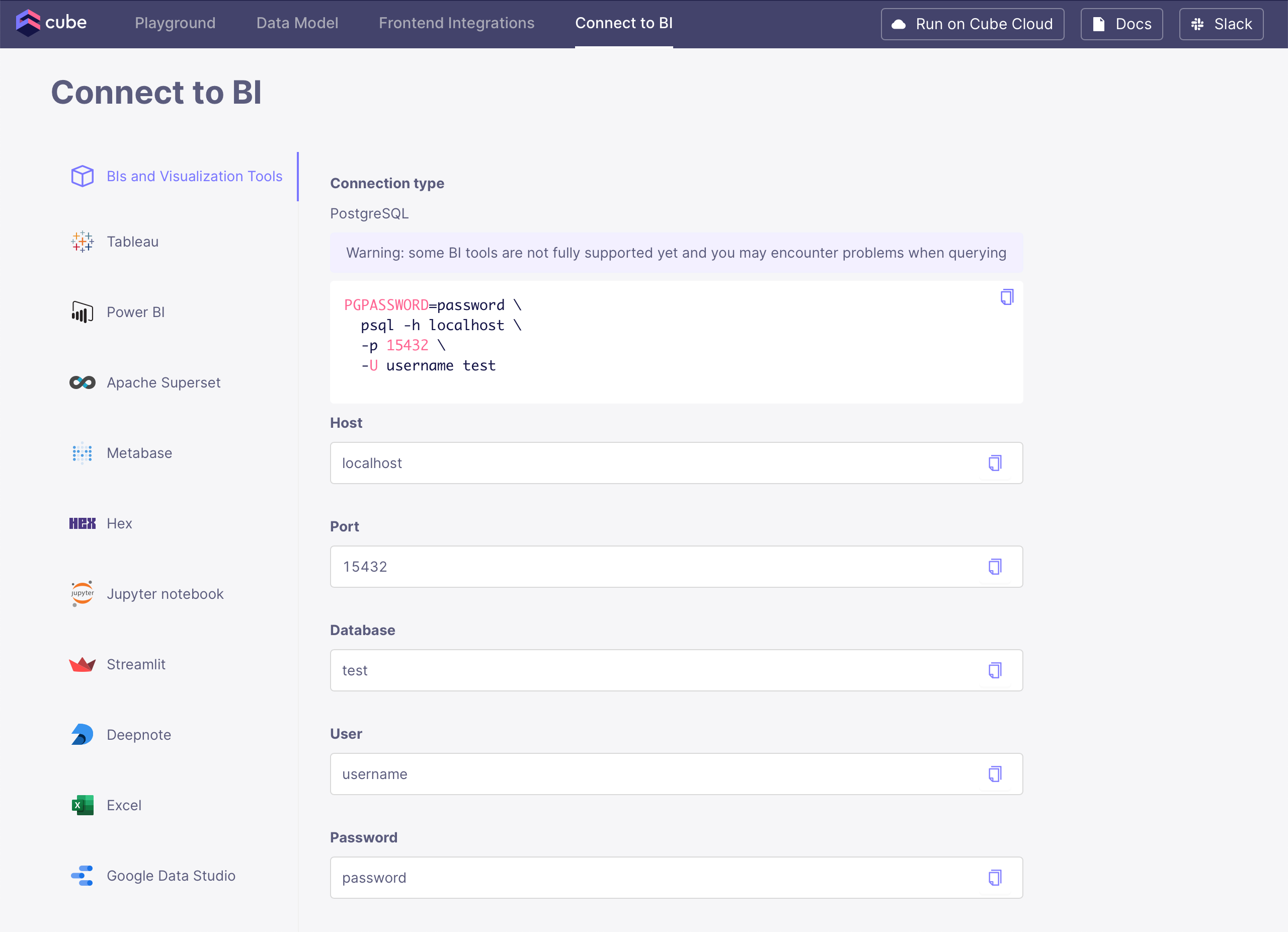
Connectivity to BI tools and data notebooks is enabled by the [SQL
API][ref-sql-api] which is Postgres-compatible: if something connects to
Postgres, it will work with Cube. Check the **Connect to BI** tab for
connection instructions for specific BI tools:
Please feel free to experiment: select other measures or dimensions, pick a
granularity for the time dimension instead of **w/o grouping**, or choose
another chart type instead of **Table**.
## APIs and integrations
Cube provides a [rich set of options][ref-downstream] to deliver data to other
tools: a suite of APIs, [JavaScript SDKs][ref-frontend-int], and integrations.
Connectivity to BI tools and data notebooks is enabled by the [SQL
API][ref-sql-api] which is Postgres-compatible: if something connects to
Postgres, it will work with Cube. Check the **Connect to BI** tab for
connection instructions for specific BI tools:
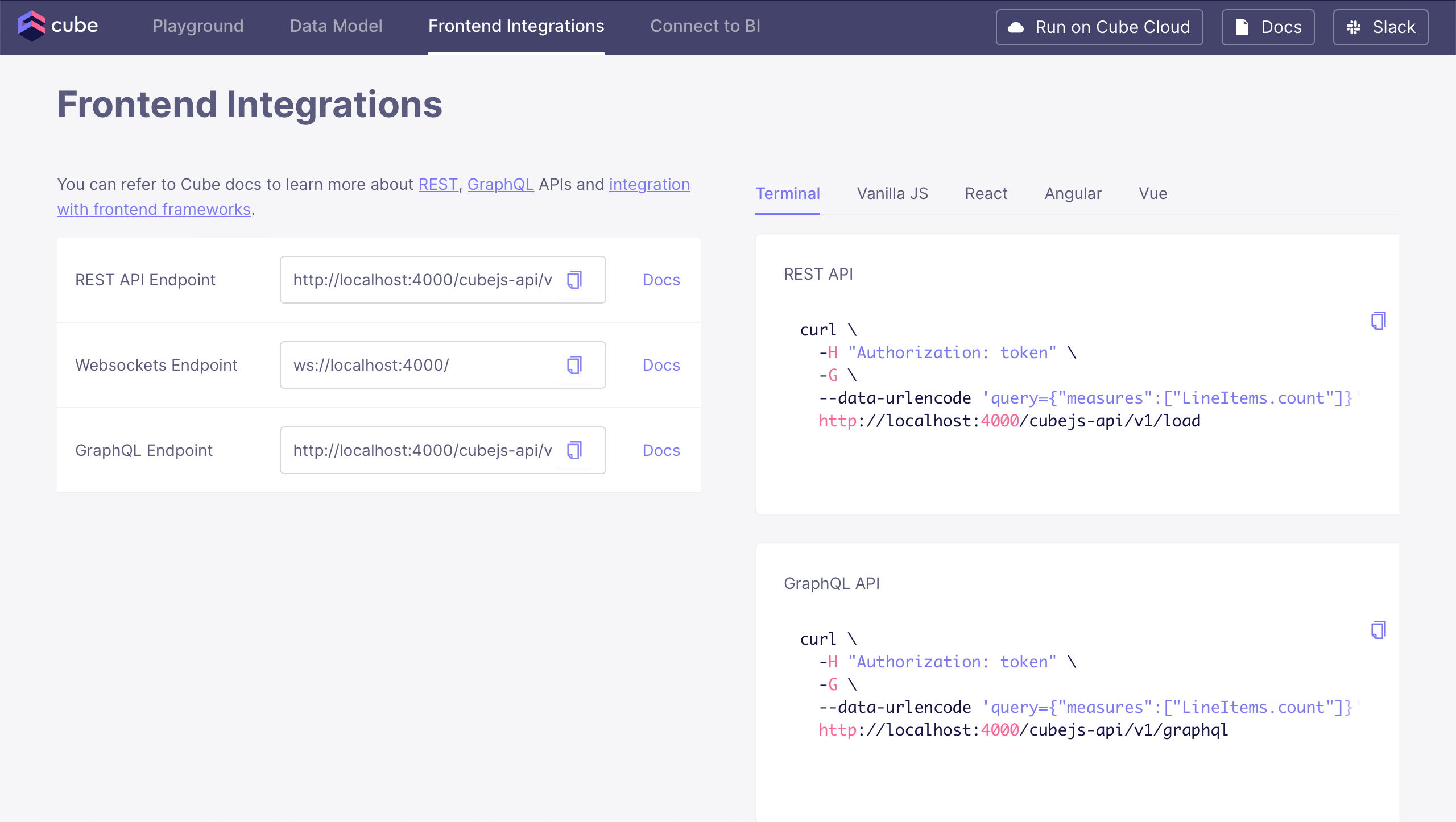
 Connectivity to data applications is enabled by the [REST (JSON) API][ref-rest-api] and
the [GraphQL API][ref-graphql-api] as well as [JavaScript
SDKs][ref-frontend-int]. Check the **Frontend Integrations** tab for
usage instructions for these APIs:
Connectivity to data applications is enabled by the [REST (JSON) API][ref-rest-api] and
the [GraphQL API][ref-graphql-api] as well as [JavaScript
SDKs][ref-frontend-int]. Check the **Frontend Integrations** tab for
usage instructions for these APIs:
 Now that we've seen how to use Cube's APIs, let's take a look at [how to add
pre-aggregations][next] to speed up your queries.
[ref-graphql-api]: /reference/graphql-api
[ref-rest-api]: /reference/rest-api
[ref-downstream]: /admin/connect-to-data/visualization-tools
[ref-frontend-int]: /reference/javascript-sdk
[ref-sql-api]: /reference/sql-api
[next]: /docs/getting-started/core/add-a-pre-aggregation
Now that we've seen how to use Cube's APIs, let's take a look at [how to add
pre-aggregations][next] to speed up your queries.
[ref-graphql-api]: /reference/graphql-api
[ref-rest-api]: /reference/rest-api
[ref-downstream]: /admin/connect-to-data/visualization-tools
[ref-frontend-int]: /reference/javascript-sdk
[ref-sql-api]: /reference/sql-api
[next]: /docs/getting-started/core/add-a-pre-aggregation