> ## Documentation Index
> Fetch the complete documentation index at: https://docs.cube.dev/llms.txt
> Use this file to discover all available pages before exploring further.
# Connect your data
> If you don't have a data source to connect to, you can create a demo deployment to test all Cube features with demo data.
If you don't have a data source to connect to, you can create a demo deployment to test all Cube features with demo data.
Cube supports multiple warehouses and databases.
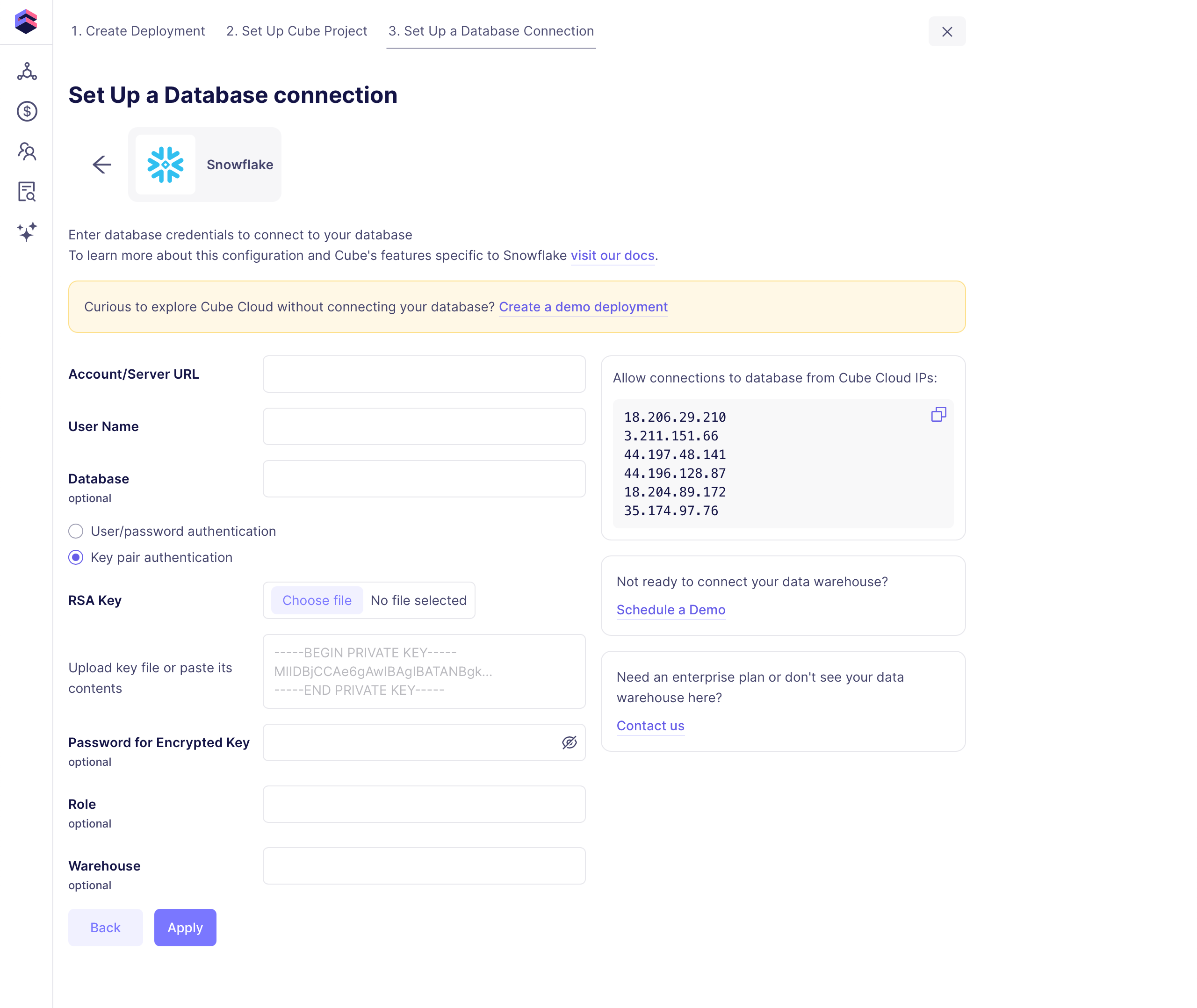
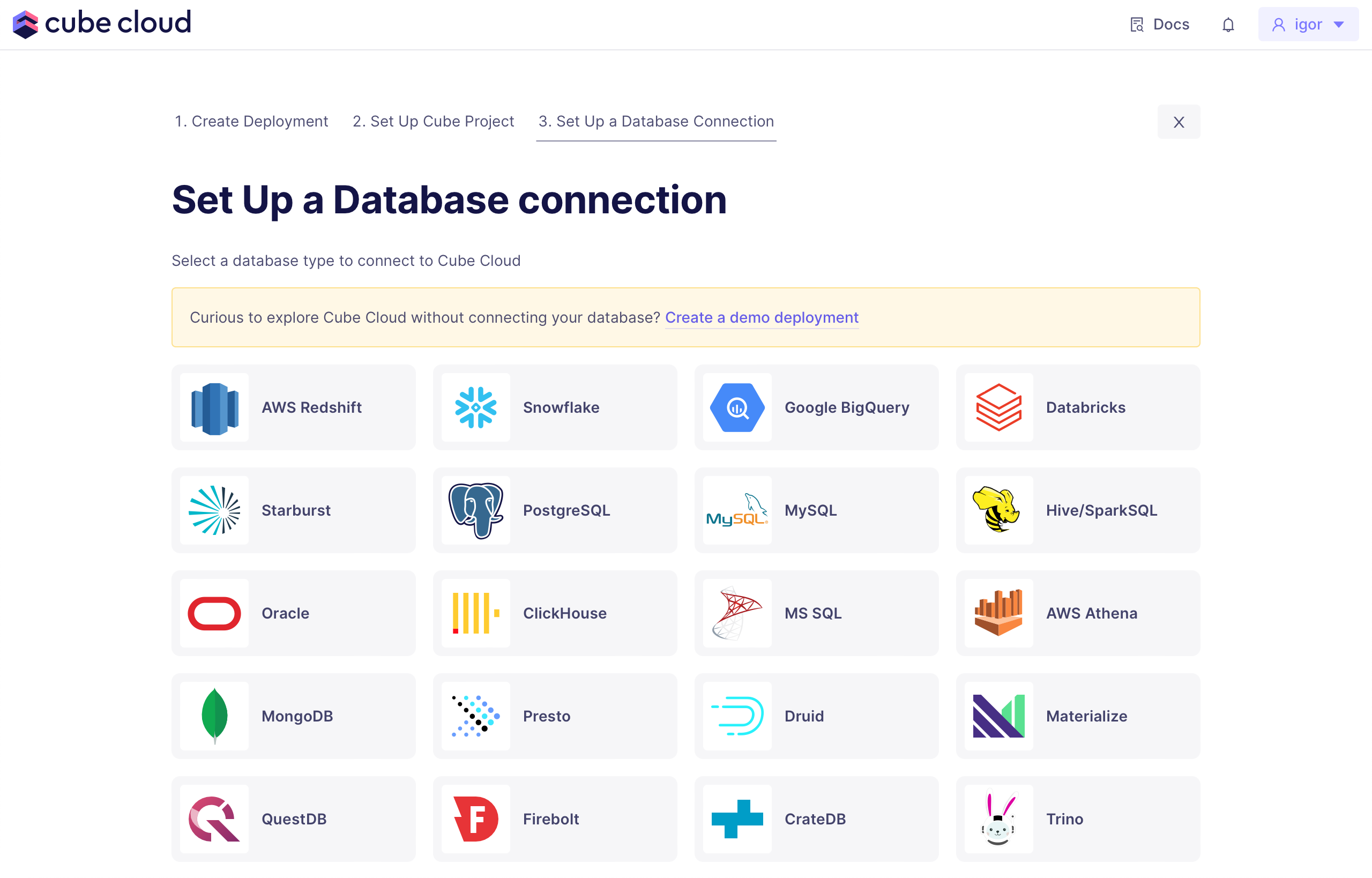 Once you select your data source, follow the instructions on the connection page.
 ## AI builds initial semantic model
Select what tables you'd like to use in your initial semantic model and let AI build it.
## AI builds initial semantic model
Select what tables you'd like to use in your initial semantic model and let AI build it.