> ## Documentation Index
> Fetch the complete documentation index at: https://docs.cube.dev/llms.txt
> Use this file to discover all available pages before exploring further.
# Semantic Layer Sync with Apache Superset
> This page details the support for Apache Superset in Semantic Layer Sync.
This page details the support for [Apache Superset](https://superset.apache.org)
in [Semantic Layer Sync](/docs/integrations/semantic-layer-sync).
## Configuration
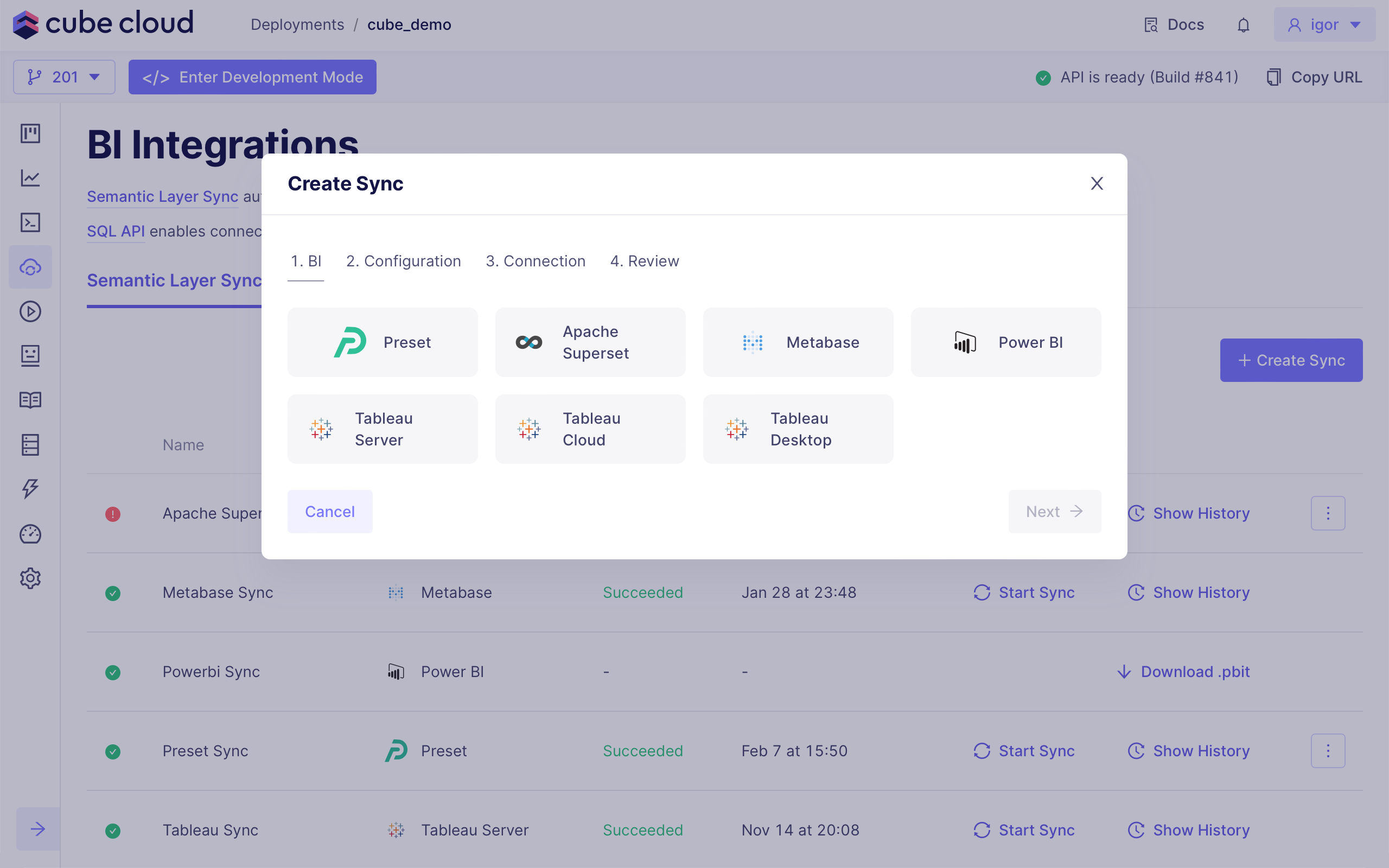
To create a new sync, choose **Apache Superset**:
 Data model is synchronized via [Superset API][superset-api] which uses a `user`
name and a `password` for authentication. You can use your own user name and
password or create a new service account. You can copy a `url` at any page of
your Superset workspace.
Example confguration for Superset:
```python title="Python" theme={"dark"}
from cube import config
@config('semantic_layer_sync')
def semantic_layer_sync(ctx: dict) -> list[dict]:
return [
{
'type': 'superset',
'name': 'Superset Sync',
'config': {
'user': 'mail@example.com',
'password': '4dceae-606a03-93ae6dc7',
'url': 'superset.example.com',
'database': 'Cube Cloud: production-deployment'
}
}
]
```
```javascript title="JavaScript" theme={"dark"}
module.exports = {
semanticLayerSync: ({ securityContext }) => {
return [
{
type: "superset",
name: "Superset Sync",
config: {
user: "mail@example.com",
password: "4dceae-606a03-93ae6dc7",
url: "superset.example.com",
database: "Cube Cloud: production-deployment"
}
}
]
}
}
```
[superset-api]: https://superset.apache.org/docs/api/
Data model is synchronized via [Superset API][superset-api] which uses a `user`
name and a `password` for authentication. You can use your own user name and
password or create a new service account. You can copy a `url` at any page of
your Superset workspace.
Example confguration for Superset:
```python title="Python" theme={"dark"}
from cube import config
@config('semantic_layer_sync')
def semantic_layer_sync(ctx: dict) -> list[dict]:
return [
{
'type': 'superset',
'name': 'Superset Sync',
'config': {
'user': 'mail@example.com',
'password': '4dceae-606a03-93ae6dc7',
'url': 'superset.example.com',
'database': 'Cube Cloud: production-deployment'
}
}
]
```
```javascript title="JavaScript" theme={"dark"}
module.exports = {
semanticLayerSync: ({ securityContext }) => {
return [
{
type: "superset",
name: "Superset Sync",
config: {
user: "mail@example.com",
password: "4dceae-606a03-93ae6dc7",
url: "superset.example.com",
database: "Cube Cloud: production-deployment"
}
}
]
}
}
```
[superset-api]: https://superset.apache.org/docs/api/