Step 1: Create Deployment
Click Create Deployment. Then give it a name and select the cloud provider and region of your choice.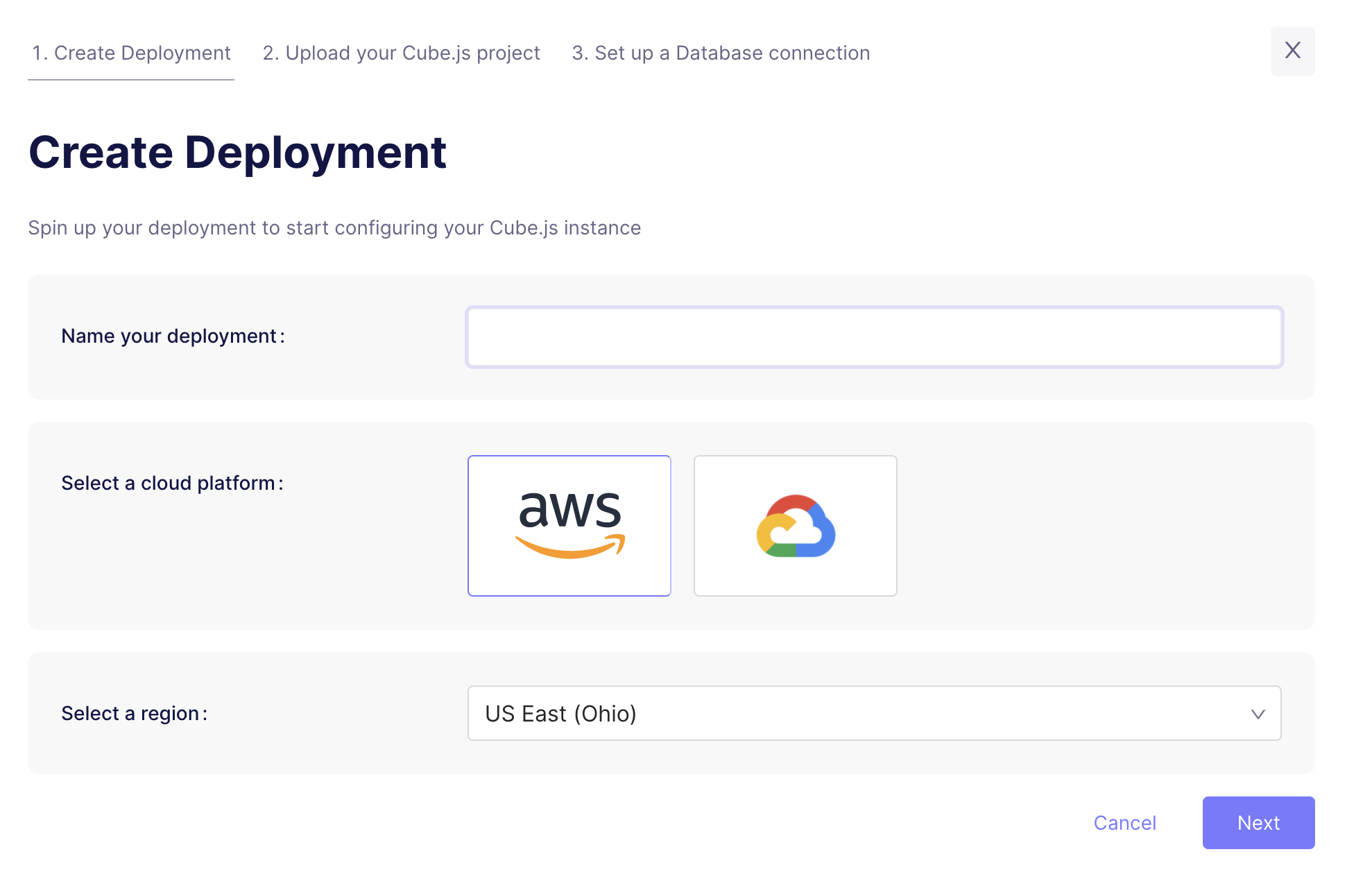
Microsoft Azure is available on Enterprise plan.
Contact us for details.
Step 2: Upload your Cube project
The next step is to upload your existing Cube project to the Cube Cloud. You can do it by running the following command from terminal in your Cube project directory.Step 3: Connect your Database
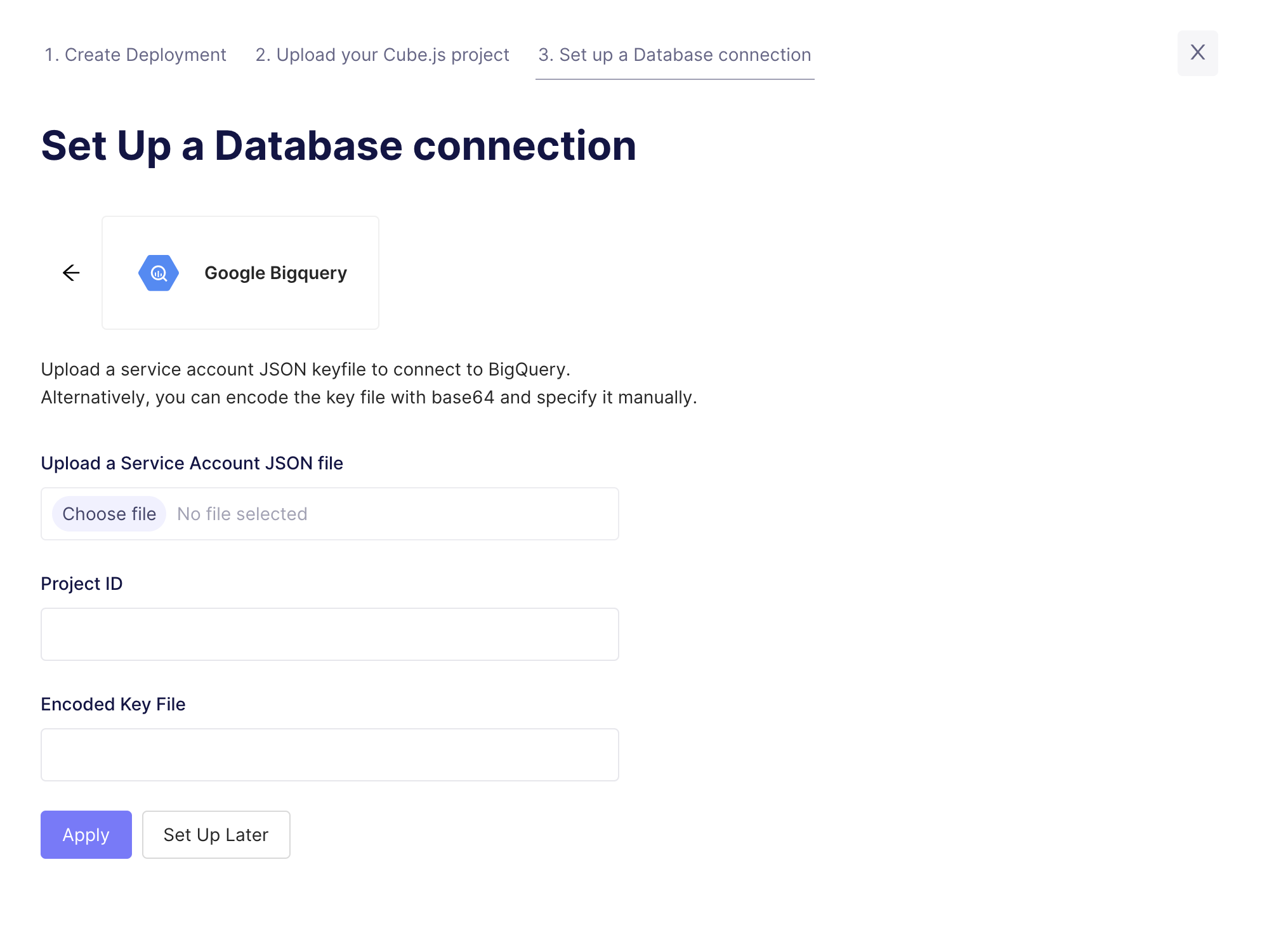
Enter your credentials to connect to your database. Check the connecting to databases guide for more details.Want to use a sample database instead? We also have a sample database where you
can try out Cube Cloud: